 For server owners
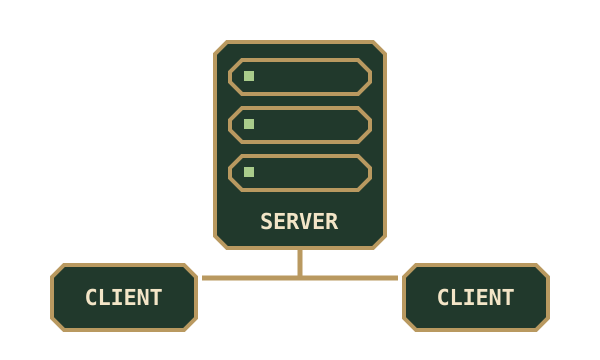
Block & Board runs on the server and on every player’s client. Install the same release on both sides, using the Minecraft release and loader listed on the download you chose. The current mod uses NeoForge.
Singleplayer uses the same rules and only needs your own installation. High Rollers is an optional source of chip items for stakes.
Install and check
Section titled “Install and check”- Stop the server and make a copy of its world before adding or updating mods.
- Put the Block & Board JAR in the server’s
modsfolder. Each player puts the same JAR in their matching NeoForge instance’smodsfolder. - Start the server and connect with a matching client. Block & Board needs no additional content mod; High Rollers chips are optional.
- Craft a Small Game Table, Chess board and two Game Chairs. Fit the board as the player who placed the table, take a seat and make a move.
- Have another player take the opposite chair. Check that each player can act on their own turn, and that opening the table as a spectator shows the public board.
For a four-player card game, arrange four linked chairs and occupy the required seats before starting a fresh deal. Seats & private hands explains seating and partnerships.
Who can do what?
Section titled “Who can do what?”| Action | Who can do it |
|---|---|
| Open the public board and its rules | Nearby players, including spectators |
| Take a free linked chair | A player who does not already hold a physical seat |
| Make a move | The controlling player whose turn it is |
| Start a fresh game | Seated players, or the owner/operator, with enough seats for that game |
| Fit or remove a board | The table owner or an operator with permission level 2 |
| Free any occupied seat | The owner or an operator |
| Free an offline player’s seat | A seated player can also do this |
Use /mctabletop administration commands |
An operator with permission level 2 |
The owner is the player who placed the table. Ownership governs board management and seat controls. Protect a public game room using your server’s normal building rules or protection system as well; ownership is not a general block-breaking protection feature.
Back up and update
Section titled “Back up and update”Back up the whole world with the server stopped, or with a consistent backup system. Keep world data, dimension folders and player data together. Fitted tables hold their games in their block entities; removed saved-board items refer to separate records in the world.
Copying player inventories alone leaves those records behind. Moving an item to a different server world does not transfer its match. To move a server while preserving games, move the complete world with its matching mod installation.
After an update, check a fitted game and restore a saved board on a spare matching table. Keep the previous backup until you have checked the result. Saved-board maintenance explains the available inspection commands.
Common problems
Section titled “Common problems”| What you see | What to check |
|---|---|
| A player cannot connect | Match the loader, mod release and Minecraft release across server and client. |
| A board will not fit | Use an empty, complete table frame of the correct size; fit it as its owner or an operator. |
| A board is busy | Close the board screens before fitting or removing it. |
| A game cannot start | Fill the required seats, starting at Seat One; four-seat games need all four. |
| A player cannot move | Check the active turn and seat. Spectators cannot move; actions also require proximity to the table. |
| A disconnected player still holds a seat | Reconnect within the ten-minute grace period, or have an authorised player free that seat. |
| A saved board cannot restore | Keep the item; check its world, table size and saved record before using maintenance tools. |
See saved games before changing furniture around an unfinished match.
Interaction limits and private data
Section titled “Interaction limits and private data”Table actions require the player to be within eight blocks. Seat availability is checked periodically; an offline holder has a ten-minute grace period. Closing the game screen leaves a physical sitter seated, while getting up releases that seat.
/mctabletop show can reveal an encoded table position, including concealed hands. Share the saved-board inspection summary when you only need its game ID and move count. Operator privileges are separate from the privacy protections applied to ordinary players’ screens.
The server validates moves and stores game state. Client views conceal information that a seat or spectator is not permitted to see.